SketchUp & AI resources · Nice Tower
Build Faster.
Render Better.
Design Smarter.
Explore SketchUp tutorials, free plugins, professional 3D models and AI rendering tools for your next architecture or interior design project.
Download the Free SketchUp Plugins Guide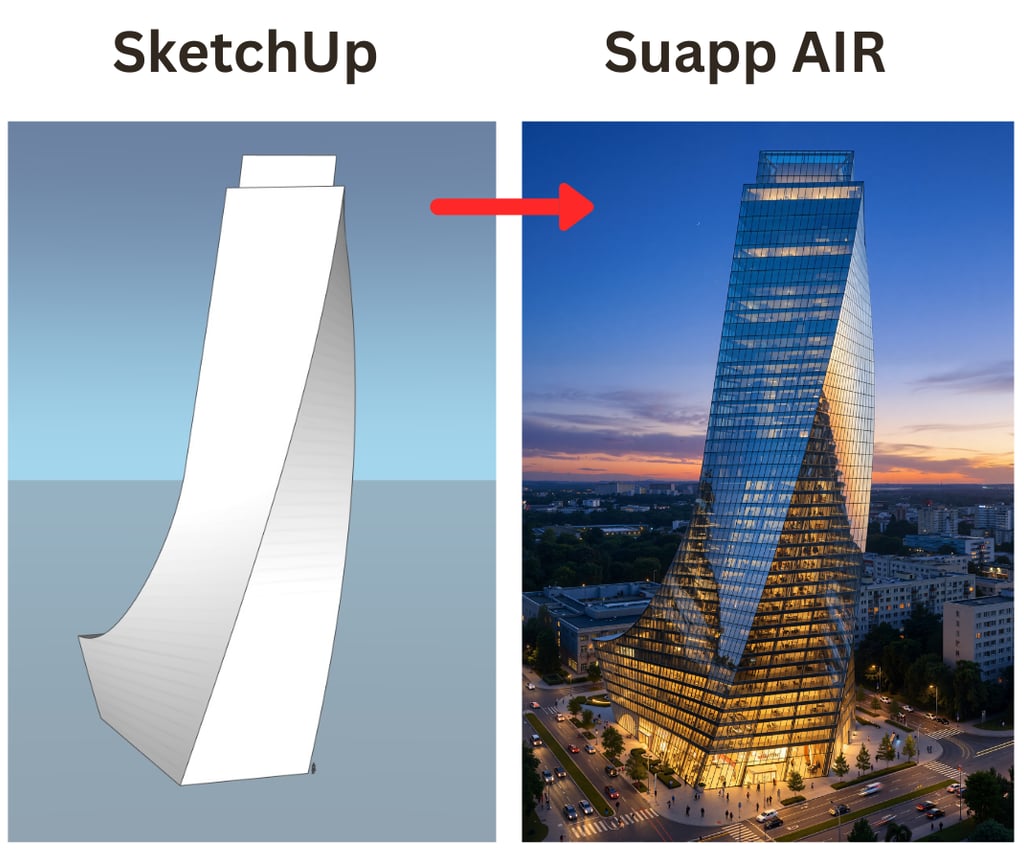
Bring your next idea to life.
Explore AI rendering and image-to-3D tools, watch tutorials and find the right starting point.
Explore SUAPP AI · 6% Off6% off for new registrations through Nice Tower.
Trusted by 80,000+ SketchUp users worldwide
120+ Plugins · 2,300+ Downloads
THE NICE TOWER TOOLKIT
Your next tool.
Your next possibility.
Explore AI design tools, rendering workflows and SketchUp plugins.
SUAPP AI
AI rendering & image-to-3D
Explore the tools and tutorials for your next project.
Explore SUAPP AI D5 TOOLSD5 Lite
Explore D5 Lite
Discover D5 Lite on the official D5 website.
Explore D5 Lite WORKFLOW GUIDED5 Render
Your SketchUp + D5 workflow
Explore the Nice Tower guide to working with SketchUp and D5.
See the workflowNice Tower Pro
SketchUp tools & resourcesPaid Plugins
Explore professional SketchUp pluginsProme AI
Explore our Prome AI guideLupa AI
Explore our Lupa AI guideMyArchitectAI
AI architectural visualization for your projectsNT Plugins (Free)
Explore free SketchUp plugins by Nice Tower.Hi3D AI
AI-powered image-to-3D creationChoose the right way to master SketchUp.
The same practical 16-session learning journey, offered in three class formats so you can choose the level of attention, privacy and budget that works best for you.
Team Class
Learn with friends, classmates or colleagues at the lowest price per student.
5 students · $750 total team
- ✓Live class for 5 students
- ✓16 live online sessions
- ✓Core SketchUp workflows
- ✓Practical exercises and projects
- ✓Learn and solve problems together
- ✓Each student registers separately
The team begins when all 5 seats are confirmed.
Premium Duo
More instructor attention while sharing the experience with just one learning partner.
2 students · $500 total
- ✓Only 2 students in the class
- ✓16 live online sessions
- ✓More instructor attention
- ✓Advanced SketchUp plugins
- ✓AI rendering workflows
- ✓2 months after-course support
The Duo begins when both students are confirmed.
VIP Private
A fully private course shaped around your level, professional workflow, goals and individual questions.
1 student · Fully private
- ✓Private one-on-one live sessions
- ✓16 live online sessions
- ✓Personalized learning plan
- ✓Advanced SketchUp workflows
- ✓AI rendering and professional plugins
- ✓4 months full support after the course
No partner required. Start as one student.
Whichever plan you choose, you receive the same structured 16-session foundation and learn through practical, architecture-focused workflows.
Why Architects Choose Nice Tower
Nice Tower is built for architects, designers, and studios who use SketchUp in real projects—not experiments. We focus on practical workflows, production-ready assets, and AI tools that save time and improve results.
Built for Real Architectural Workflows
Nice Tower is not a marketplace of random tools. Every plugin, 3D model, and tutorial is selected or created to support real-world architectural production—from early concept to final presentation.
SketchUp + AI, Explained Clearly
We bridge the gap between SketchUp and modern AI workflows. From AI rendering to automation and smart plugins, our content focuses on how architects actually work—without hype or theory.
Trusted by a Global Community
Architects and designers from Europe, the United States, and beyond use Nice Tower resources daily to speed up modeling, improve visuals, and deliver projects with confidence.
Learn, Download, Apply
Nice Tower is designed around action. Learn with structured courses, download production-ready 3D assets, and use tested SketchUp and AI tools—all made to be applied immediately in professional projects.
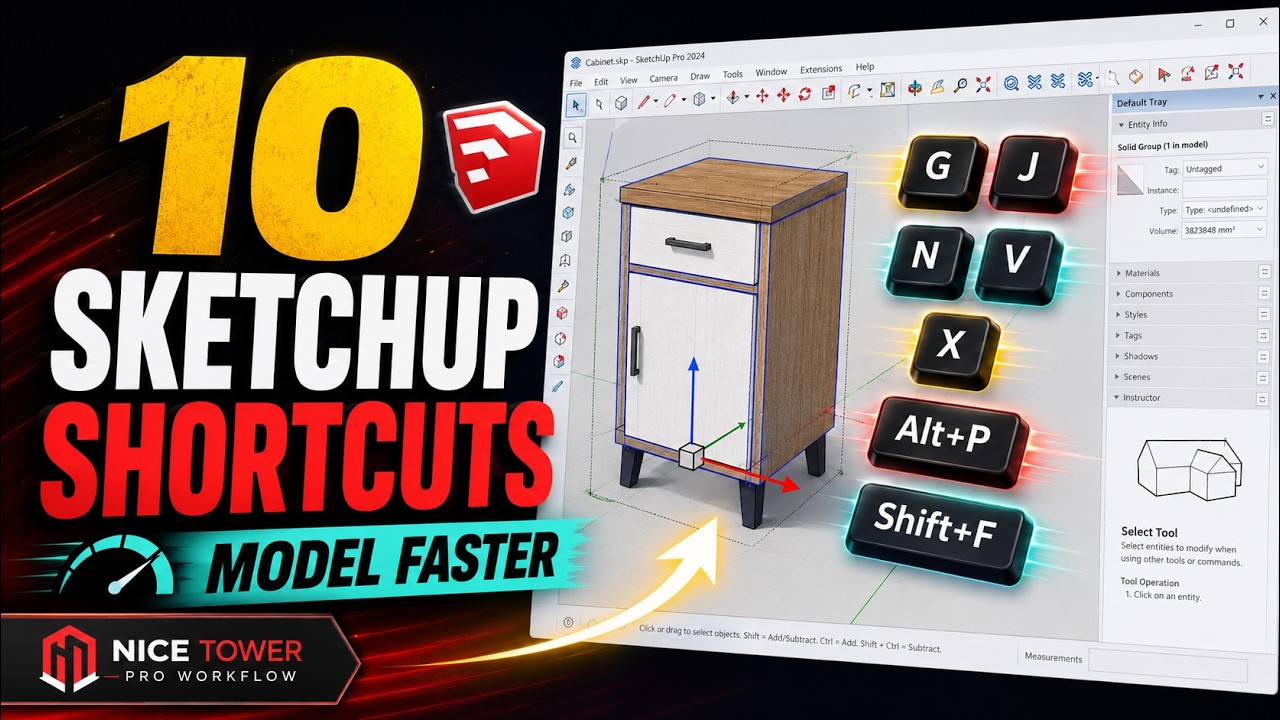
Work Faster with SketchUp Shortcuts
Keyboard shortcuts can dramatically speed up your SketchUp workflow. Instead of repeatedly searching through menus and toolbars, access your most-used commands instantly, reduce unnecessary clicks, stay focused, and create a faster, more efficient modeling workflow.

One Kitchen, Two Design Moods
Drag the slider to compare how cabinet color, marble selection and warmer wood tones can transform the same kitchen without changing its layout.


The layout remains identical, but the atmosphere changes completely. The cool gray palette feels sleek and restrained, while the warm beige cabinetry, lighter marble and natural wood create a softer and more welcoming interior. This comparison shows why testing materials and color temperature is an essential part of architectural visualization before a final design decision is made.
From Concept to Reality
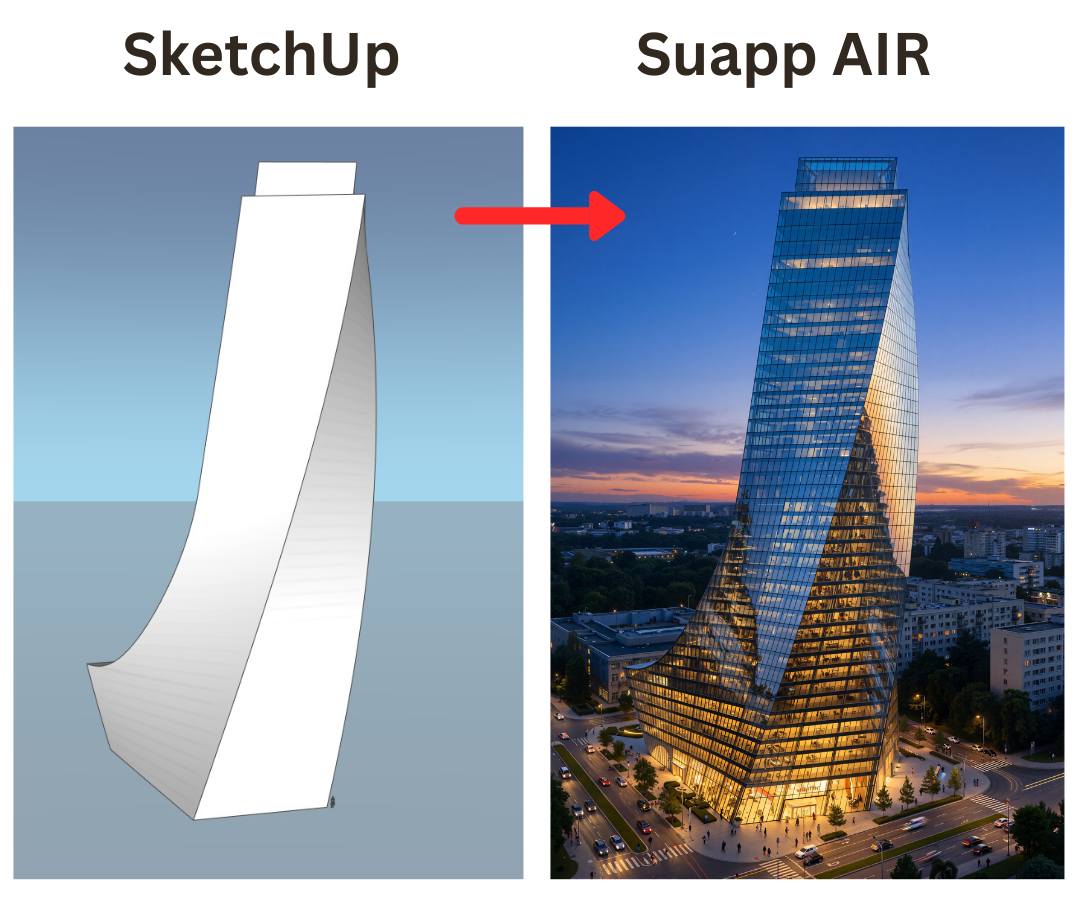
A fast and powerful AI rendering tool.
Click below to discover more.
Our Services
Architectural Design
From concept to construction documents. Clear, buildable drawings that fit your budget and timeline.
Request a QuoteInterior Design
Layouts, material palettes, and lighting plans that balance function and style for homes and offices.
Request a Quote3D Visualization
High-quality renders and animations to test ideas and present projects clearly before construction begins.
Request a QuoteStart Here — Choose Your SketchUp Goal
Discover free SketchUp plugins, production-ready 3D models, and powerful AI rendering workflows built for architects, interior designers, and 3D artists.
Free SketchUp Plugins
Download tested extensions to speed up modeling and improve workflow efficiency.
Explore pluginsSketchUp 3D Models
Clean, optimized 3D assets ready for professional architectural projects.
Browse 3D modelsSketchUp Tutorials
Step-by-step modeling and rendering guides for beginners and advanced users.
View tutorialsAI Rendering & 2D to 3D
Convert images and concepts into realistic SketchUp models using AI tools.
Explore AI workflowPopular SketchUp Guides & Workflow Tips
Learn advanced SketchUp techniques, realistic rendering methods, and AI-powered workflows to improve productivity and presentation quality.
Best SketchUp Plugins for Architects
Essential tools to enhance modeling speed and precision.
Read the guideHow to Create Realistic Renders
Lighting, materials, and AI rendering explained step by step.
Learn rendering2D Plan to 3D Workflow
Transform architectural drawings into editable 3D models efficiently.
View AI workflowSpeed Up Your SketchUp Workflow
Professional strategies to reduce modeling time and increase quality.
Improve your workflowFrequently Asked Questions
What are the best SketchUp plugins for architects?
We curate and test professional SketchUp plugins that improve modeling speed, detailing accuracy, and overall workflow efficiency.
Are your SketchUp 3D models production-ready?
Yes. Our 3D models are optimized, cleanly organized, and ready to use in real architectural and interior design projects.
How does AI rendering improve SketchUp projects?
AI rendering converts simple models into realistic visuals by automatically enhancing lighting, materials, and scene depth.
Where should beginners start with SketchUp?
Start with our structured SketchUp tutorials and recommended beginner plugins to build a solid modeling foundation.
Our Partners
Working with leading architecture, SketchUp, visualization and AI technology brands.

SUAPP AI
PARTNERAI-powered design, rendering and creative workflows for architects and designers.
Explore Partner
D5 Render
PARTNERReal-time architectural rendering, visualization and AI-powered design tools.
Explore Partner
My Architecture AI
PARTNERFast AI architectural visualization for CAD, SketchUp and professional 3D workflows.
Visit Partner
MindSight Studios
PARTNERProfessional SketchUp extensions and productivity tools for advanced modeling.
Explore Plugins
PromeAI
PARTNERAI visualization and creative design tools for architecture, interiors and digital content.
Explore PartnerLupa AI
PARTNERAI image enhancement, upscaling and creative tools for high-quality architectural visuals.
Explore PartnerTrusted technology partners supporting smarter architecture and design workflows.